Ability to hide or move the chat support icon (Blocks UI)
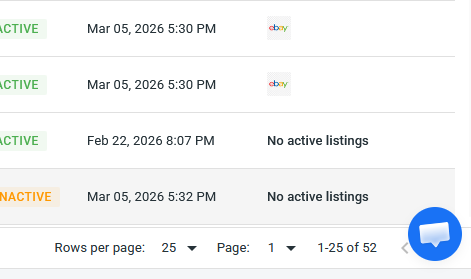
There appears to be no way to fully close the support icon on the bottom right. It blocks functionality to change pages.
Closed
changed status toClosed·Mar 24, 2026
Mar 11, 2026
Thank you for reaching out. To hide the chat icon:
1. Click the profile icon in the bottom left corner.
2. Under Chat box, select Hide.
The chat icon will then be hidden from the interface.
Hope this helps!


Thank you for reaching out. To hide the chat icon: 1. Click the profile icon in the bottom left corner. 2. Under Chat box, select Hide. The chat icon will then be hidden from the interface. Hope this helps!